Maclock Editorial · · Updated
Meeting timing: a desk clock alongside a separate countdown timer
Use a desk clock to see the current time, and a separate timer when you need a countdown. Maclock is a physical alarm clock; a dedicated countdown or Pomodoro mode is not a confirmed feature.
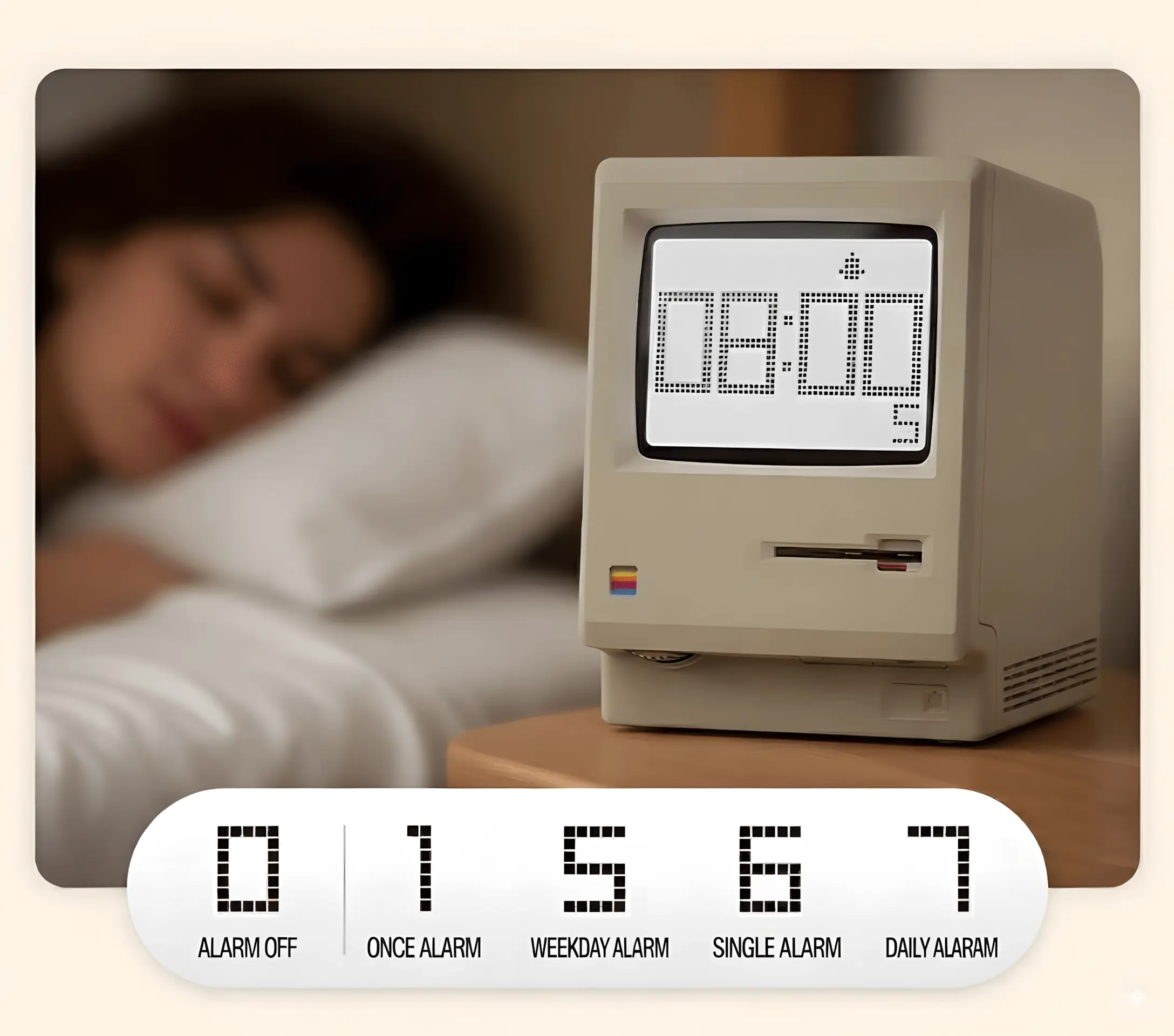
A clock and a countdown timer do different jobs
Use a desk clock to see the current time, and a separate timer when you need a countdown. Maclock is a physical alarm clock; a dedicated countdown or Pomodoro mode is not a confirmed feature.
Countdowns aren’t pressure — they’re predictability
Meetings drift when rhythm disappears: one person talks long, others wait, and the ending gets rushed.
A countdown works best when it’s shared and calm. Put it on the desk, keep it visible, and let it quietly guide the pace.
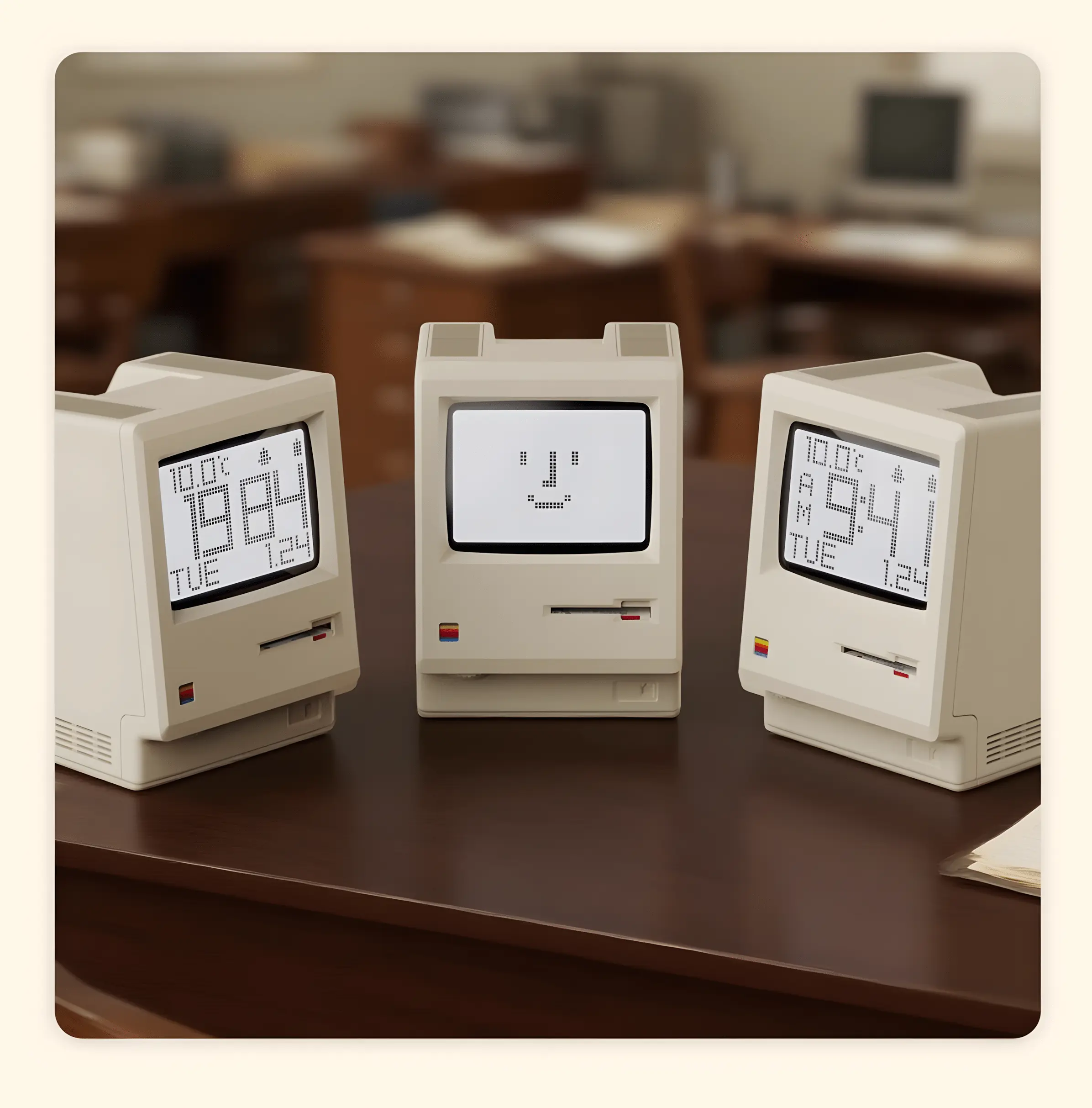
Three small tips for friendlier timing
- Use it as a gentle signal: it’s not “hurry up”, it’s “save room for the ending”.
- Place it in your peripheral vision: fewer window switches, less mental clutter.
- Leave a 1–2 minute buffer: Q&A and interruptions won’t break the whole session.
Want a calmer meeting rhythm? Jump back to the Maclock product page (with the buy button). Go to Maclock →